
From the QR on the table to the tip in the team's pocket
Four steps, ten seconds on the customer side, no installation on the restaurant side.
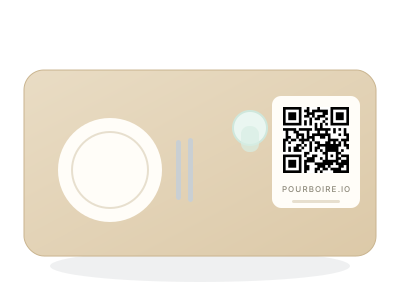
The QR is placed on the table
You print a set of table tents, one QR per table. The customer sees it as they sit down. Nothing to plug in, nothing to buy, no till changes.
- One QR per table
- Printed in 5 minutes
- No equipment to buy
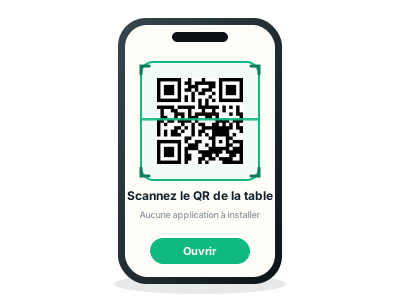
The customer scans
They open their phone camera and scan the QR. The tipping page opens directly: no app to download, no account to create.
- No installation
- Two seconds
- Works on iPhone and Android
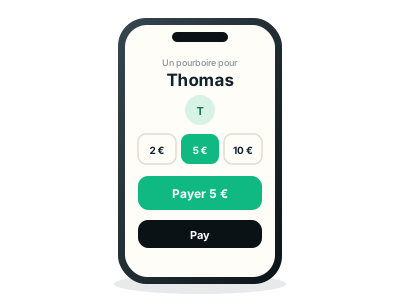
They pick an amount and pay
€2, €5, €10 or a custom amount. They confirm with Apple Pay, Google Pay or their card. Payment is secured by Stripe, like any online store.
- Apple Pay and Google Pay
- Cards accepted
- Receipt available
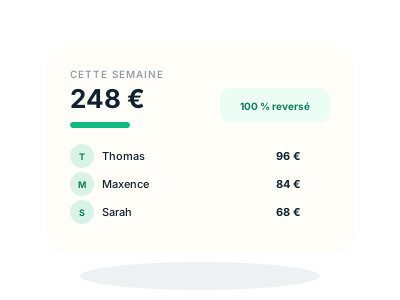
Everyone sees their share
The tip is split according to the shares defined by the establishment, locked at the moment of payment. Each server finds their share in their dashboard.
- 100% paid to the team
- Shares locked, no arguing
- Exportable history
What it changes, concretely
Three points of view, one rule: the tip reaches the person who earned it, in full.
For the customer
- No account, no app
- Ten seconds from scan to payment
- Apple Pay, Google Pay or card
For the team
- 100% of the tip paid out
- Their share visible, by name
- A history, not cash
For the establishment
- A flat cost, never a percentage
- Nothing to install on the till
- Set up in a day
Ready to place your first QR?
Thirty-day trial, no commitment. You print, you test, you compare with your current tips.